











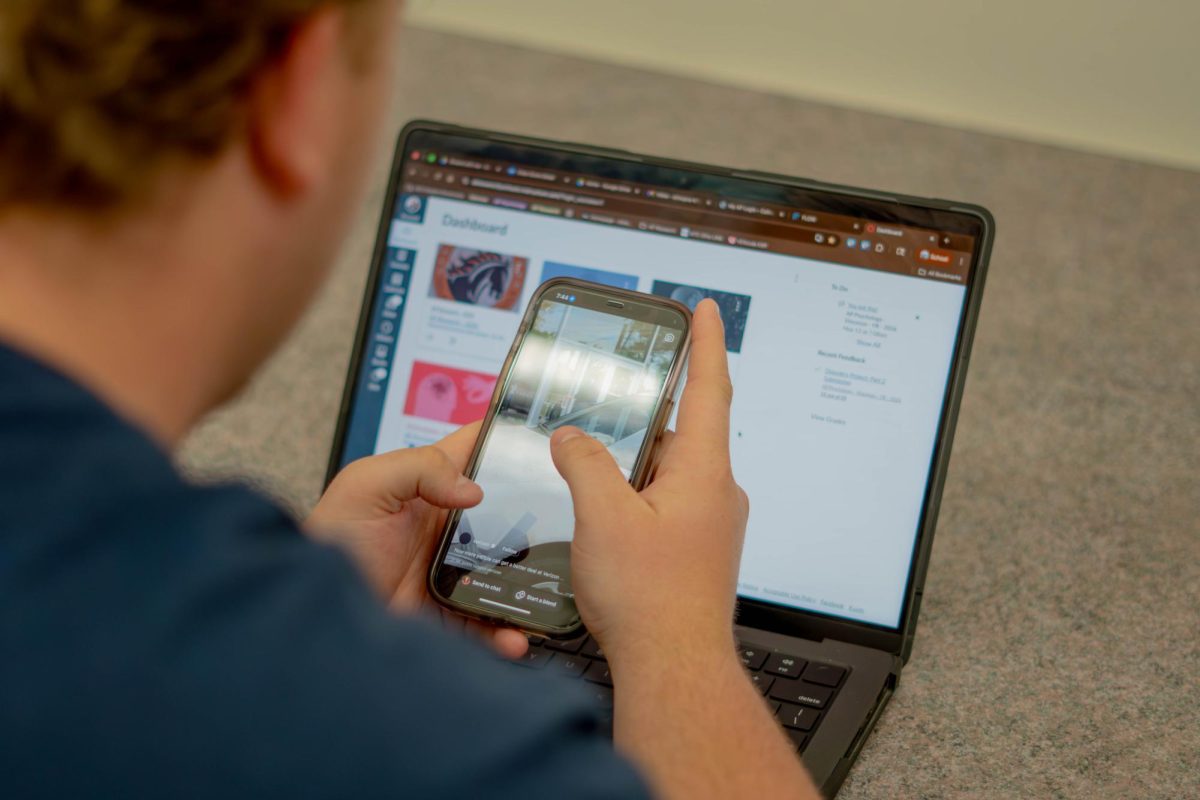






DCS student-use technology has a number of modifications that make it different from the average device. The laptops are permanently dressed with a blue wallpaper and a logoed privacy statement, as well as equipped with a number of safety protection tools. While the school having the capability to block potentially virus-inducing or promiscuous websites is definitely a necessity, the alterations to the ability of students to browse the web freely is coming to a point where the clarity of information is, in some cases, nearly compromised.
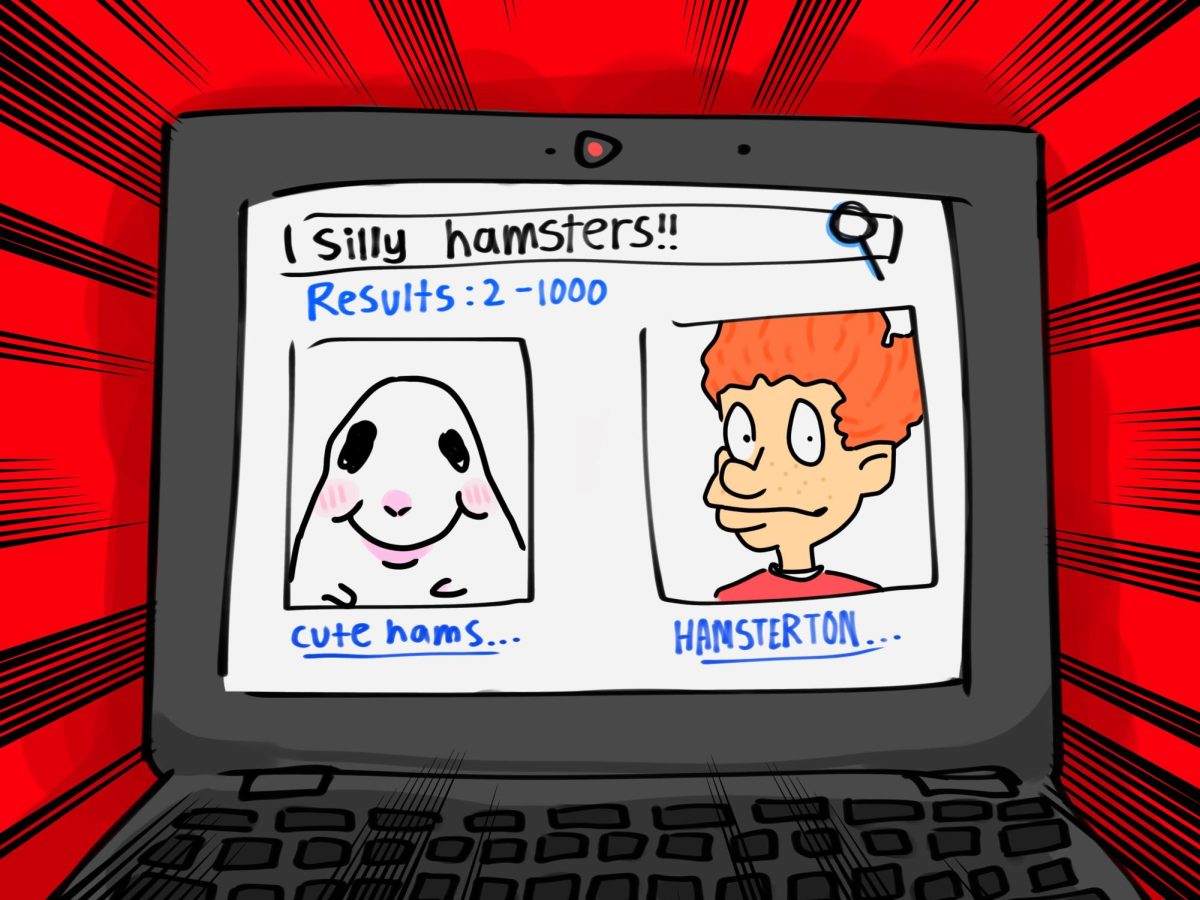
The laptops’ image searches hold a “safe-search” filter that is in place to filter out potentially harmful content. That being said, despite the good intentions, the filter doesn’t always have the best overall performance.
For example, when you look up Carolina Beach and switch over to “Images,” it shows only a handful of pictures of the actual query before moving on to other beaches such as Folly Beach, a beach in South Carolina. When you search up Freeman Park Beach, which is also in North Carolina, it shows pictures of Tampa Bay, Florida. These inconsistencies can be a huge issue if you’re trying to do a project of a specific location or place.
That simple issue can be solved by simply allowing a student to get out their phone, but that action is now illegal in the state of Ohio.
Additionally, the safe-search on images can be seen to have a bad performance on the portrayal of real people, even in a potentially insensitive light.
One example of this can be seen in looking up famous people, and in particular, ones who have transitioned. Elliot Page, for example, has current, post-transition pictures on the “All” section. When you switch to the “Images” tab, however, safe-search only presents a handful of pre-transition photos before switching to entirely different people.
This is not the case on other devices that do not use the image-search filter.
The version the school uses could simply be programmed to fetch pre-checked photos from the past, but that doesn’t change the fact that the execution of searching for images, and then at most receiving outdated or unrelated material, is an annoyance.
Another example can unfortunately be found in the case of searching up warring countries, such as Russia or Ukraine, and only receiving outlines of the shape of the country on a map, undamaged cities, pictures of lined soldiers and tanks, or completely different countries, like the United States.
This is, again, not the case for unaltered devices.
Protecting students from images of violence is incredibly important, yes, but this censoring could block quality research from taking place, and even has the potential to spread misinformation.
Alternatives do exist for that particular genre of photos, such as sourcing from news websites reporting on the conflict if they are unblocked, like AP News or Newsweek. Solutions are possible, but there is not always a remedy for every scenario.
With applications like Pinterest and all social media blocked, Google Image Search is the place that students are most likely to go to look for pictures–and it’s not even guaranteed to give them the best quality and most relevant information they could receive.
While the sensitivity of the internet filters does a great job at keeping students safe, it is much too inaccurate for them to be able to use it as they should. It needs to be altered for better ease of use and digital literacy overall.